Production n8n: The Handbook for Automations That Survive Contact With Reality
How to run n8n in production: idempotency, dead-letter queues, schema contracts, approvals, and the ROI filter that decides what deserves a workflow.
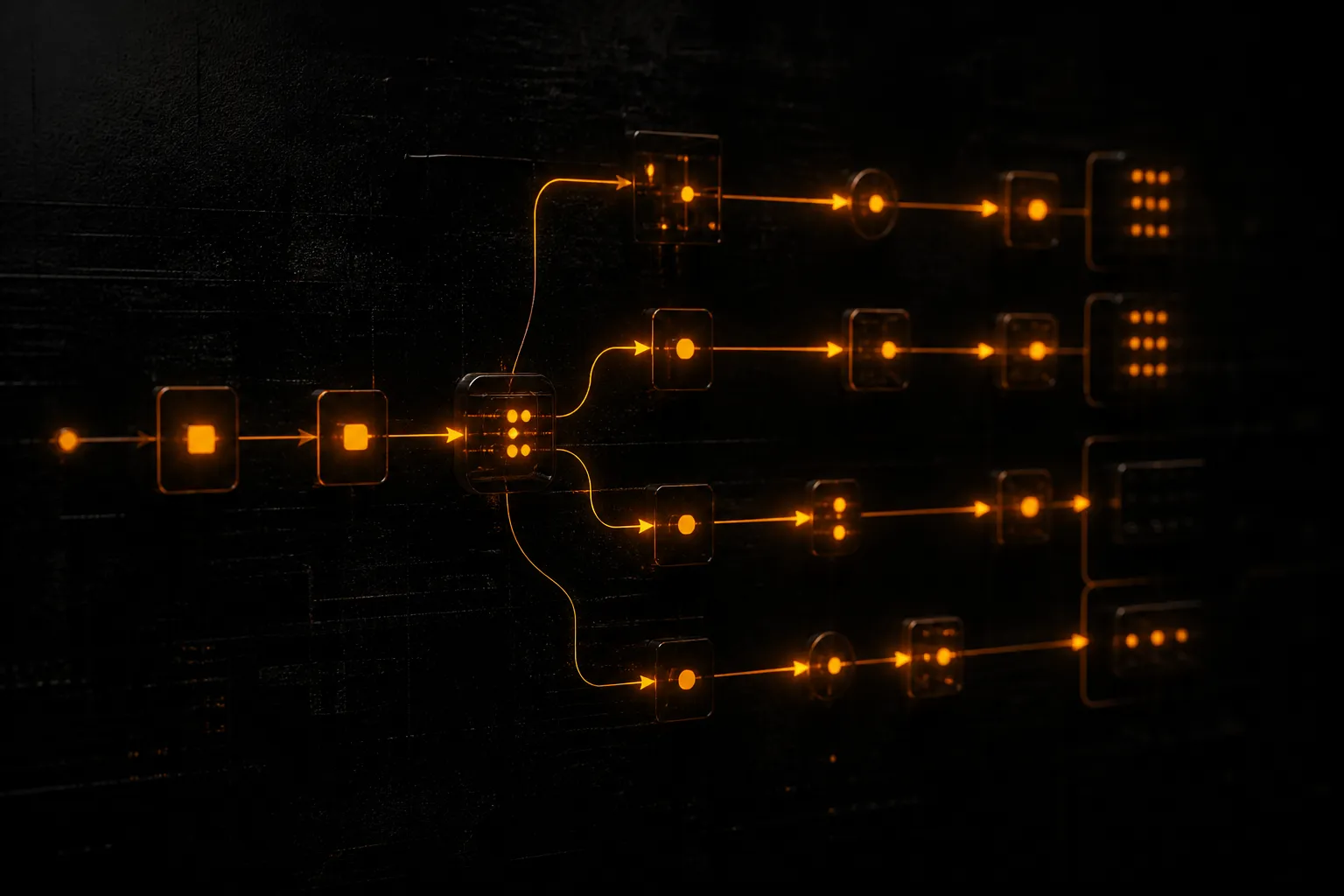
Most n8n demos look fine. Production is where the Tuesday failure shows up: a webhook fires twice, a field arrives as null, a retry re-sends an invoice, and someone on your team spends the afternoon cleaning it up.
This handbook is the operating model Spurlock Studios uses when we put n8n into real ops. Not a node tutorial. A set of structures that keep workflows trustworthy after the first month.
If you want the short field note version of the failure modes, start with Why Your Automation Broke on a Tuesday. Everything below is the full production stack behind those four fixes.
What “production n8n” actually means
Production n8n is not “it ran green in the editor.” It means:
- Every irreversible side effect can survive a duplicate delivery.
- Failures leave a replayable record instead of a silent gap.
- External payloads are validated before they touch your systems of record.
- Money, customer contact, and deletes require a human gate until the numbers earn autonomy.
- You can answer, in one sentence, what the workflow is worth per week.
If you cannot check those boxes, you have a prototype. Prototypes are useful. They are not ops infrastructure.
At Spurlock Studios we treat n8n as the rail, not the product. The product is the business outcome: lead routed in under two minutes, invoice issued without retyping, content draft queued for human sign-off. The rail just has to stay up and stay honest.
When automation is worth building
Before architecture, apply the filter.
Build a workflow when all three are true:
- The work is frequent enough that manual handling burns real hours every week.
- The path is rule-shaped enough that exceptions are the minority, not the majority.
- A failure has a clear recovery path that a human can finish in minutes, not days.
Skip automation when:
- The process changes every sprint and nobody owns the definition of done.
- Success depends on judgment that cannot be encoded yet (pricing exceptions, sensitive customer replies, legal nuance).
- The “savings” only exist if you pretend setup and maintenance are free.
A useful rough cut: if the task costs less than two hours a week and failure is expensive, leave it manual or semi-manual. If it costs more than five hours a week and the rules are stable, automate the happy path and park exceptions for review.
For the full ROI framing without fantasy math, see Automation ROI Without Fantasy Spreadsheets.
The production spine: five structures every workflow needs
Every production workflow we ship carries the same spine. The nodes change. The spine does not.
1. Idempotency before side effects
Webhooks and queues are at-least-once. Your CRM create, Stripe charge, and Slack notify are not. Compute a key from the event identity, store it, and short-circuit duplicates before anything irreversible runs.
Deep dive: Idempotency Keys in n8n.
2. Dead-letter queues instead of thrashing retries
Retries help when the failure is transient and the step is safe to repeat. They hurt when the failure is a bad payload or a half-applied multi-step write. Route poison items out with the original input, execution ID, and error. Notify a human. Replay after the fix.
Deep dive: Dead Letter Queues for Automations.
3. Schema contracts at every trust boundary
Validate shape immediately after every external call. Reject or quarantine on mismatch. Do not let a silent null walk into your database.
Deep dive: Schema Contracts Between Tools.
4. Human-in-the-loop for irreversible actions
Anything that spends money, contacts a customer, or deletes a record starts with an approval gate. Autonomy is earned by measured error rates, not optimism.
Deep dive: Human-in-the-Loop Approvals That Do Not Become Bottlenecks.
5. Observability you will actually read
You need execution IDs in your notifications, a named owner for each workflow, and a weekly glance at failure rate — not a dashboard nobody opens. If ops cannot tell “is this broken?” in thirty seconds, the monitoring is theater.
Choosing the rail: n8n vs Make vs Zapier
Tool choice is secondary to production discipline, but the rail still matters.
- Zapier wins for speed on simple SaaS-to-SaaS glue when volume is low and you want zero hosting.
- Make wins for visual complexity and scenario packing when your team already lives there.
- n8n wins when you need code nodes, self-hosting options, tighter control of credentials, and workflows that grow into real systems.
Agencies and ops-heavy founders usually outgrow the “click connectors forever” model once they need custom transforms, durable error paths, and versioned workflows. That is where n8n earns its keep.
Full comparison: n8n vs Make vs Zapier in 2026.
Hosting choice is a separate decision. Cloud is fine when you want less ops. Self-hosted wins when data residency, credential control, or cost at high execution volume matters. Details: Self-Hosted n8n vs n8n Cloud.
Error handling that belongs in production
Default n8n behavior is optimistic: continue, retry, hope. Production behavior is explicit.
Classify failures before you retry
| Failure type | Example | Correct response |
|---|---|---|
| Transient | 503, timeout, rate limit | Bounded retry with backoff |
| Poison payload | Missing required field, wrong type | Dead-letter + human review |
| Partial apply | CRM created, email failed | Compensating path or manual reconcile, never blind replay of the whole flow |
| Auth drift | Expired token, revoked scope | Alert owner, pause workflow, fix credentials |
| Downstream policy | Vendor rejects content or payment | Queue for human decision |
Never retry an entire multi-step workflow as one unit unless every step is idempotent. Prefer step-level retries for safe reads and creates with keys. Prefer DLQ for everything else.
Error workflows are not optional
Wire a dedicated error workflow that:
- Captures execution ID, workflow name, node name, and raw error.
- Stores the failing item in a review table or queue.
- Notifies the owner in Slack or email with a deep link.
- Never silently swallows the exception.
If your only alert is “Workflow failed,” you will ignore it. If the alert includes the customer ID and the failing field, you will fix it before the customer notices.
Webhook security is part of production
Public webhook URLs without verification are invitation-only for chaos. Production checklist:
- Verify signatures (HMAC or provider-native) before parsing business logic.
- Reject unsigned or stale timestamps.
- Use least-privilege credentials for every connected app.
- Rotate secrets on a calendar, not after a breach.
- Keep production webhook URLs out of screenshots and shared Notion docs.
Full treatment: Webhook Security for Automations.
Reference patterns that pay rent
The spine is universal. The patterns below are the ones we see earn their keep for operators and founders.
Lead routing sales will not mute
Trigger on form or CRM create → enrich lightly → score with explicit rules → assign owner → notify with context that helps the first call → log the decision.
Mute happens when automation dumps noise. Prevent mute by sending fewer, better alerts and by keeping routing rules visible to sales leadership.
Details: Lead Routing Automations That Sales Teams Do Not Mute.
Invoice and ops pipelines with control retained
Intake → validate → create draft → human approve for first N weeks → issue → reconcile → exception queue.
Finance hates surprise autonomy. Start with drafts. Graduate to auto-issue only for clean, low-risk cases (known customers, standard SKUs, under a dollar threshold).
Details: Invoice and Ops Pipelines.
Content repurposing with human sign-off
Source asset land → extract → generate draft variants → human approve → schedule to surfaces (including beehiiv when newsletter is in the mix) → archive status.
Never publish marketing copy straight from a model. The pipeline’s job is to delete blank-page time, not delete editorial judgment.
Details: Content Repurposing Pipelines.
A production checklist you can run in one afternoon
Use this against any existing n8n workflow before you call it “live.”
Identity and duplicates
- Event identity field documented (provider ID + version or updated_at)
- Idempotency store checked before irreversible nodes
- Duplicate path returns success without redoing side effects
Errors and recovery
- Error workflow wired
- DLQ / review table exists with original payload
- Retry policy is bounded and classified
- Owner named in the alert
Contracts
- Validator after every external HTTP / app node that feeds writes
- Required fields listed in a short schema comment or Code node
- Null / type drift goes to review, not to CRM
Authority
- Money / customer contact / delete behind approval or hard threshold
- Credentials scoped to the minimum needed
- Webhook signatures verified
Ops hygiene
- Workflow named for the business outcome, not “Copy of Copy”
- Staging credentials separate from production
- Weekly failure glance scheduled (even if it is a five-minute Slack review)
If more than three boxes are unchecked, you do not have a production workflow yet. You have a demo with customers attached.
How we build at Spurlock Studios
Our default engagement shape for automation:
- Map the path — happy path, exception path, systems of record, irreversible steps.
- Decide autonomy — what can fire alone on day one, what needs a gate.
- Build the spine first — idempotency, DLQ, schema, alerts — then the happy-path nodes.
- Ship behind a gate — run in propose mode until error rate and volume justify more autonomy.
- Hand over ownership — named internal owner, short runbook, clear “how to pause.”
We have shipped hundreds of production automations across ops, sales, finance adjacent work, and content systems. The pattern that holds is boring: structure over cleverness.
If you want help putting this into your stack, the automation lane is the productized version of this handbook, and you can book an automation call when you are ready to scope a first production workflow.
Operating cadence after go-live
Shipping is not the finish line. Production workflows need a light cadence or they rot.
Daily (async)
Glance at failure notifications. If volume is zero, good. If volume spikes, triage before noon.
Weekly
Scan top failing workflows. Fix schema drift. Close or re-queue DLQ items older than seven days. Confirm owners still own them.
Monthly
Revisit autonomy thresholds. Promote a gate to automatic only when the last thirty days of errors are understood. Demote autonomy when a vendor changes behavior or a team complains about mute-worthy noise.
Quarterly
Kill workflows that no longer earn their keep. Document the survivors. Rotate secrets. Re-check hosting cost vs volume.
This cadence takes less time than firefighting. It is also the difference between a studio that trusts its automations and a studio that relies on tribal knowledge.
Anti-patterns we refuse to ship
These show up in client audits constantly. We do not leave them in production.
The god workflow
One canvas that does intake, enrichment, CRM, billing, and reporting. Split by trust boundary. Smaller workflows fail smaller.
Silent continues
”Continue on fail” without a DLQ is how you get empty CRM records and no alert. Continue only when you intentionally skip a non-critical enrichment and log the skip.
Credential sprawl
Personal OAuth tokens for company systems. Use shared service accounts with least privilege and a rotation owner.
Prompt-only business logic
Using an LLM to decide “should we refund?” with no rules and no gate. Models draft. Rules and humans decide until proven otherwise.
Unlimited retries
A loop that hammers a down API until rate limits cascade into adjacent systems. Bound it. Back off. Then DLQ.
No staging
Editing production workflows live during business hours with no export or version note. Keep a staging project. Promote deliberately.
Mapping this handbook to your first thirty days
If you are starting from zero, do not try to automate the company. Pick one path.
Week 1 — Choose and measure
Pick one workflow candidate with clear weekly hours and a recoverable failure mode. Write the happy path and exception path on one page. Decide the autonomy level.
Week 2 — Spine
Stand up n8n (cloud or self-hosted). Implement webhook verification, idempotency store, schema validation, and error workflow before any CRM write.
Week 3 — Happy path behind a gate
Build the business nodes. Keep irreversible actions in approval mode. Run real traffic with humans in the loop.
Week 4 — Harden and hand off
Tune alerts. Clear the first DLQ items. Write a half-page runbook. Name the owner. Only then discuss removing a gate.
That thirty-day shape is how production discipline becomes habit instead of a slide in a deck.
Environment separation and promotion
Production discipline includes how you move work from idea to live traffic.
Local / personal sandbox
Fine for learning nodes. Never point it at production CRM tokens.
Staging project
Same graph shape as production, synthetic or scrubbed data, separate credentials. This is where you fire duplicate webhooks on purpose and prove the idempotency gate.
Production
Promotion is a deliberate act: export/import or git-based sync if you use it, credential remap, webhook URL update at the provider, and a short watch window.
Rules that prevent pain:
- Never “just tweak” a live money path during peak hours without a rollback plan.
- Keep a last-known-good export for every critical workflow.
- Name environments in the workflow title or pin tags so nobody edits the wrong canvas.
- Document the pause procedure in the same place you document the owner.
If your team cannot answer “how do we roll back yesterday’s change?”, you do not have promotion — you have hope.
Credential and secret lifecycle
Credentials fail more often than code.
- Prefer service accounts over personal OAuth for company systems.
- Split read-only enrichment credentials from write credentials when the platform allows.
- Rotate on a schedule and on offboarding.
- Store secrets in n8n credentials or a secret manager — never in pinned sticky notes on the canvas.
- When a credential breaks, pause dependent workflows rather than letting them DLQ-storm overnight.
Pair this with webhook security: a perfect graph with a leaked signing secret is still an open door.
Data retention and PII in automations
Automations copy data into places finance and legal did not plan for: execution logs, error tables, Slack alerts, spreadsheets used as “temporary” stores.
Decide explicitly:
- What PII is required for the business outcome?
- How long do execution payloads remain in n8n?
- Are DLQ records redacted?
- Do Slack alerts include email addresses or only CRM links?
Default toward links over payloads in notifications. Default toward retention windows on DLQ tables. If you operate in regulated verticals, get the policy in writing before you scale volume.
Capacity, queues, and backpressure
Production n8n will eventually meet a burst: a campaign drops, a vendor retries a day of webhooks, a migration replays history.
Design for backpressure:
- Prefer queue-like intake (webhook → store → worker workflow) for bursty sources.
- Bound concurrency on heavy HTTP nodes.
- Shed non-critical enrichment first when upstream rate limits hit.
- Keep customer-critical paths on separate workflows so a noisy batch job cannot starve them.
“It worked at 50 events/day” is not a load test. Replay a day of traffic in staging before a launch you cannot miss.
Naming, documentation, and ownership
Boring metadata prevents expensive archaeology.
Workflow name: {domain}-{outcome}-{env} — e.g. sales-lead-route-prod.
Sticky notes: identity fields, autonomy level, owner, pause instructions.
Runbook (half page): what it does, where secrets live, how to replay DLQ, who to call.
Owner: a role with a backup human, not “engineering.”
If a workflow cannot survive the original builder taking a week off, it is not production. It is a dependency on one person’s memory.
Vendor change management
Upstream APIs change. Your calendar should assume it.
- Subscribe to vendor changelogs for systems on the critical path.
- Keep contract versions in validators so type drift fails loud.
- Budget monthly time for “what broke quietly” review — schema failure spikes are the tell.
- When a vendor announces a breaking change, schedule the edit before the deadline; do not discover it via customer complaints.
The schema contracts spoke is the technical control. Change management is the calendar control.
How spokes in this cluster fit together
Read this handbook for the spine. Use the spokes when you implement a control or a pattern:
- Rail choice: n8n vs Make vs Zapier
- Hosting: Self-hosted vs Cloud
- Duplicates: Idempotency keys
- Failures: Dead letter queues
- Shapes: Schema contracts
- Authority: Human-in-the-loop
- Security: Webhook security
- Patterns: Lead routing, Invoice/ops, Content repurposing
- Filter: ROI mindset
You do not need all spokes on day one. You need the spine on every irreversible workflow, and the spokes as you hit each concern.
What “done” looks like for a production workflow
A workflow is done when:
- Happy path works on real data.
- Duplicate delivery does not double-apply side effects.
- Poison payloads land in a reviewed queue.
- Irreversible actions respect the current autonomy policy.
- Alerts are actionable and owned.
- Staging proved the failure cases you care about.
- A runbook exists that a backup human can follow.
- Someone accepts ongoing ownership in writing (even Slack is fine).
Until then, label it pilot and keep the blast radius small. Shipping theater helps nobody.
FAQ
How do you run n8n in production?
Treat n8n as infrastructure: verify webhooks, enforce idempotency before side effects, validate schemas at trust boundaries, route failures to a dead-letter path with human replay, and put irreversible actions behind approvals until measured. Name an owner and keep a weekly failure review. Tooling alone is not production readiness.
What are n8n error handling best practices?
Classify failures first. Retry only transient, safe-to-repeat steps with a bound and backoff. Send poison payloads and partial-apply messes to a DLQ with the original input and execution ID. Wire an error workflow that alerts a named owner with enough context to act. Never blindly re-run a multi-step workflow that already wrote data.
When is automation worth building?
When the work is frequent, rule-shaped, and failure has a short recovery path. If the process is unstable, judgment-heavy, or cheaper to do manually than to maintain, skip it. Measure weekly hours and failure cost before you buy nodes.
Should every workflow have a dead-letter queue?
Every workflow with irreversible side effects or external writes should. Read-only sync jobs can sometimes get away with alerts alone. If a failure can leave your CRM, billing, or customer inbox wrong, you need a replayable quarantine path.
Is n8n better than Zapier or Make?
It depends on the job. Zapier and Make are fine for simple, low-volume glue. n8n is usually the better rail when you need code, hosting control, durable error design, and workflows that will grow. Discipline matters more than logo. See the comparison spoke linked above.
Do I need self-hosted n8n?
Not always. n8n Cloud is a sound default for many teams. Self-host when you need data residency, tighter network control, or cost advantages at high volume — and when you can actually operate the box. Hosting without ops ownership is a liability.
How much human-in-the-loop is too much?
If approvals sit for days, you designed a bottleneck. Keep gates on irreversible actions, make the approve/reject action one click with full context, set SLAs, and auto-escalate stale items. Remove gates only after clean metrics, not after a good demo week.
What should I automate first?
Lead routing, invoice drafting, and content draft pipelines are common winners because the rules are visible and the ROI is easy to feel. Start with one. Finish the spine. Then expand. A single trustworthy workflow beats five fragile ones.
How do I stop duplicate webhook runs?
Compute an idempotency key from the provider event ID (plus a version field when needed), store it with a TTL, and exit early on duplicates before any write. Return 200 on duplicates so providers stop retrying for the wrong reason. Details in the idempotency spoke.
Can AI agents replace these workflows?
Sometimes agents sit on top of workflows. They do not replace the need for idempotency, schemas, and approvals. If the path is deterministic, a workflow is usually cheaper and easier to audit than an agent loop. Use agents where judgment and tool choice vary; use n8n where the path is known.
CTA
If your automations work in demos and fail on Tuesdays, you do not need more nodes. You need a production spine.
Explore the automation lane, then book an automation strategy call. Bring one workflow that matters. We will tell you what to harden first — and what not to automate yet.
Keep reading.
 Automation
 Why Your Automation Broke on a Tuesday
Six hundred workflows in, the failures are boringly predictable. Four structures prevent almost all of them, and none of them are exciting.
 Automation
 Idempotency Keys in n8n: Stop Double-Charging, Double-Emailing, Double-Everything
How to implement idempotency keys in n8n so duplicate webhooks cannot double-charge, double-email, or double-create CRM records.
 Automation
 How Long a Production Automation Takes (Happy Path Is Not the Clock)
A demo can ship in a day; production automation takes weeks because spine, staging, approvals, and ownership are the real clock — not mere node count.